
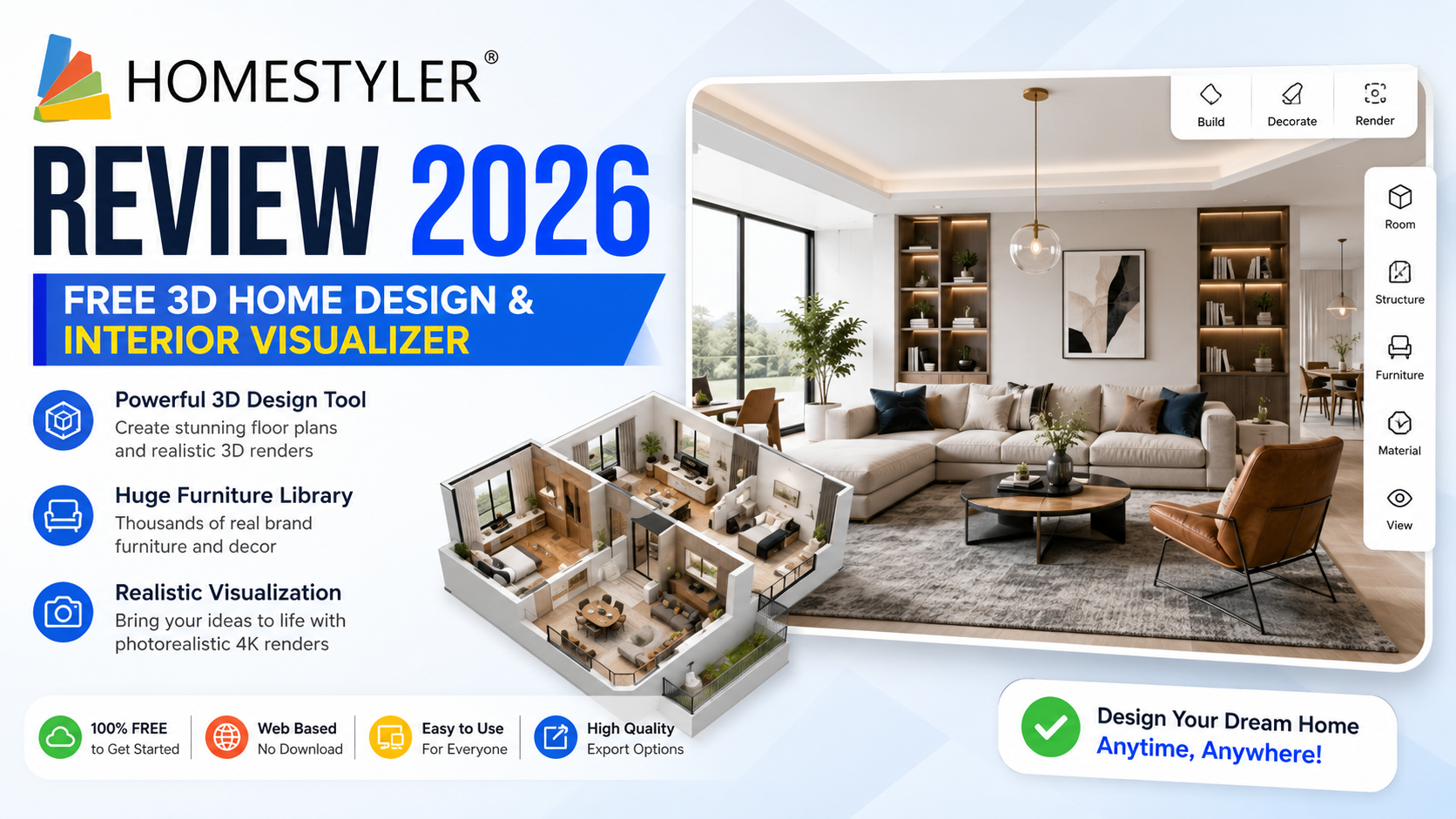
3D Home Design Software · 2026
Homestyler Review 2026 — Free 3D Home Design & Interior Visualizer
Homestyler is a browser + mobile 3D home-design and interior-visualisation tool used by homeowners, students and interior designers. Here is how the 2026 free and pro plans compare and whether Homestyler is worth it for your next room design.
💰 Homestyler Offers & Perks
🎉 What’s Included in Every Plan
Where Homestyler earns its place in every designer’s toolkit:
Homestyler Pricing (2026)
Homestyler splits pricing into a Free tier (with limited renders per month) and paid Pro / Business subscriptions that unlock higher-resolution photorealistic renders, unlimited projects and the commercial-use licence.
| Plan | Best For | Price (2026)* | Highlights |
|---|---|---|---|
| Free | Home users & students | $0 | Unlimited floor plans, limited HD renders |
| Pro Monthly | Freelance designers | From ~$9.99/mo* | 4K photorealistic renders + priority queue |
| Pro Annual | Committed designers | From ~$79/yr* | Save vs monthly + advanced object library |
| Business | Studios & retailers | Contact sales* | White-label + team seats + commercial licence |
| Enterprise | Furniture brands | Contact sales* | API access + custom 3D model onboarding |
*Indicative 2026 prices — plans and offers change; confirm current details on the official Homestyler website.
Homestyler Free vs Pro — Feature Comparison
Where the paid Pro tier goes further than the free plan for serious designers:
| Feature | Free | Pro |
|---|---|---|
| HD Photorealistic Renders | Limited monthly quota | Unlimited 4K renders |
| Commercial-Use Licence | Personal use only | Full commercial licence |
| 3D Model Library | Standard library | Expanded premium brand library |
| Render Queue Priority | Standard queue | Fast-lane priority queue |
| Team Collaboration | Single user | Shared team workspaces |
🧾 What You Get with Homestyler
Highlights of what Homestyler gives you in 2026:
Floor Plan EditorDrag-and-dropDraw walls, doors and windows on a grid
3D Furniture LibraryReal brandsReal branded chairs, sofas, lights
Photorealistic RendersCloud-renderedCinematic-quality room images
AR on MobileiOS + AndroidPreview objects in your real room via AR
Material Palette2000+ finishesWood, tile, marble & paint swatches
Community & ContestsDesign galleryLearn from thousands of daily projects
🎯 Which Homestyler Plan Should You Choose?
HomeownerFreeRenovating one room? Free covers it
Interior-Design StudentFree / ProFree for coursework, Pro for portfolio renders
Freelance DesignerPro4K commercial renders for client presentations
Design StudioBusinessMulti-seat + team collaboration
💡 How to Get More Out of Homestyler
- Draw the floor plan first — import from a photo or PDF blueprint
- Use real brand models — renders look 10× more realistic
- Save your material palette — reuse across projects for a consistent brand
- Batch-render at night — render queue is fastest in off-peak hours
- Combine 3D + AR preview — check furniture proportions in your actual room
Is Homestyler Worth It?
For homeowners planning a single renovation, Homestyler’s free tier is one of the best ways to visualise a room before you buy. Freelance designers and studios will find the Pro / Business tiers well-priced against SketchUp or Revit for pure interior-design work.
How to Get Started with Homestyler
Frequently Asked Questions
Is Homestyler really free?
Yes — the free tier gives unlimited floor plans and a monthly quota of photorealistic renders, plus AR preview and the full 3D model library.
What is Homestyler used for?
Homestyler is a 3D home-design and interior-visualisation tool used by homeowners planning renovations, students, freelance designers and furniture brands.
Do I need to install any software?
No — Homestyler runs in your browser (no download) and also has iOS + Android apps for on-phone AR preview.
How does Homestyler compare to SketchUp?
Homestyler is easier for pure interior design (drag-and-drop with real branded furniture); SketchUp is more powerful for general 3D modelling but has a steeper learning curve.
Can I sell renders from Homestyler?
The free tier is for personal use; you need a Pro subscription for the commercial-use licence to sell renders or use them in client presentations.
Does Homestyler have an AR feature?
Yes — the mobile app lets you preview 3D furniture in your real room using AR before buying.
How much are Homestyler Pro plans?
Pro monthly is around $9.99, Pro annual around $79/yr, and Business / Enterprise via sales — confirm on the official site.
Can teams collaborate on Homestyler projects?
Yes — the Business tier supports multi-seat teams, shared workspaces and role-based permissions.
Is there a Homestyler mobile app?
Yes — iOS and Android apps offer AR preview, quick sketching and cloud sync with the web editor.
Does Homestyler include real furniture brands?
Yes — the library includes real branded 3D models from major furniture brands so renders match what you can actually buy.
Can I export renders and floor plans?
Yes — export HD or 4K images (Pro) and PDF floor plans from any plan.
Is Homestyler good for students?
Yes — the free tier covers most coursework and portfolios; many colleges recommend Homestyler for interior-design classes.